Managing Users
Access Requirements
Application
Sentinel Admin Console
Required Permission
Administrator
Base Navigation
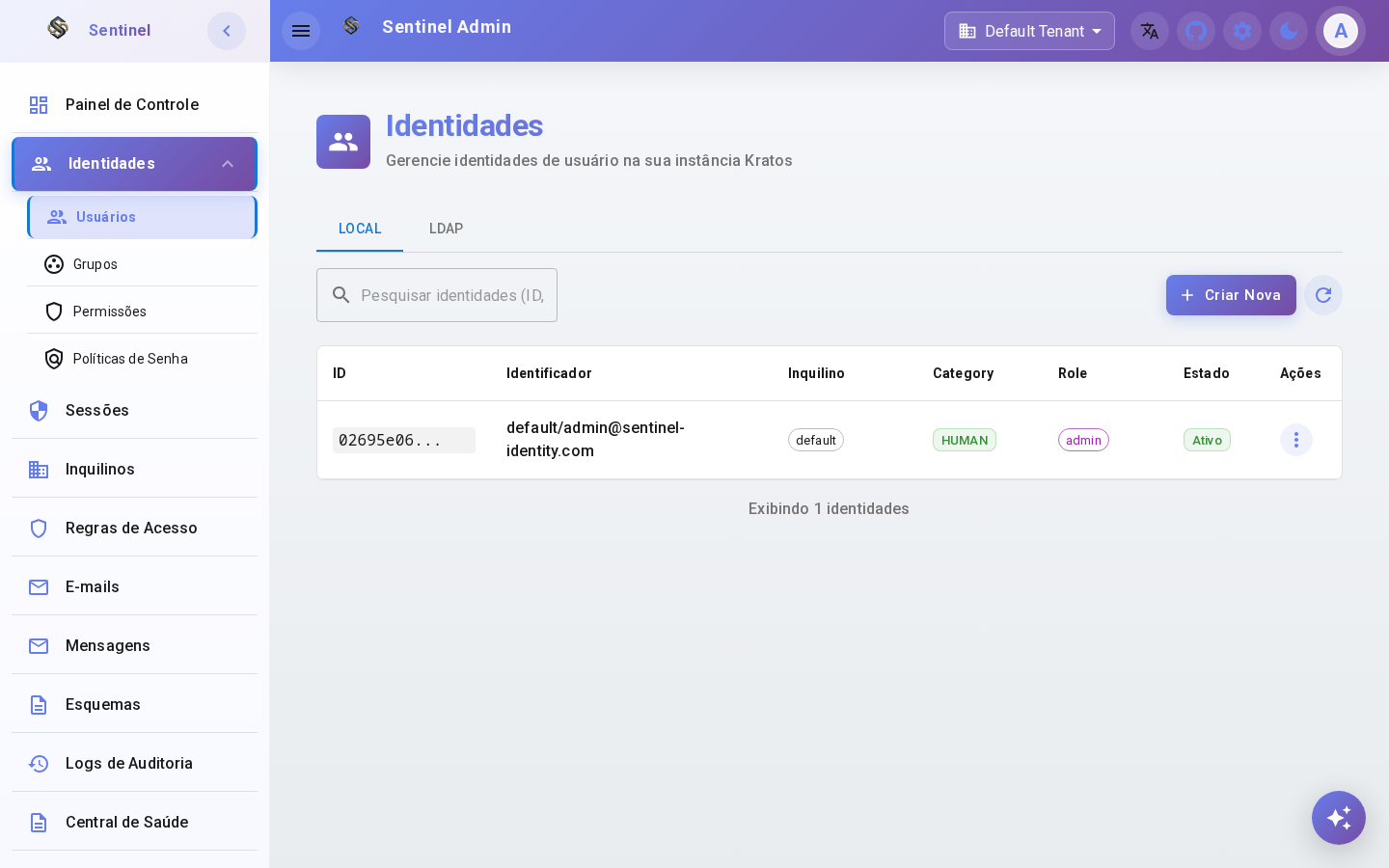
"Side Menu > Identities > Users"
1
Users List
Step 1: Access the Users section from the side menu under Identities.
View and manage all user accounts in your organization. Search, filter by status and perform administrative actions.
2
Create User
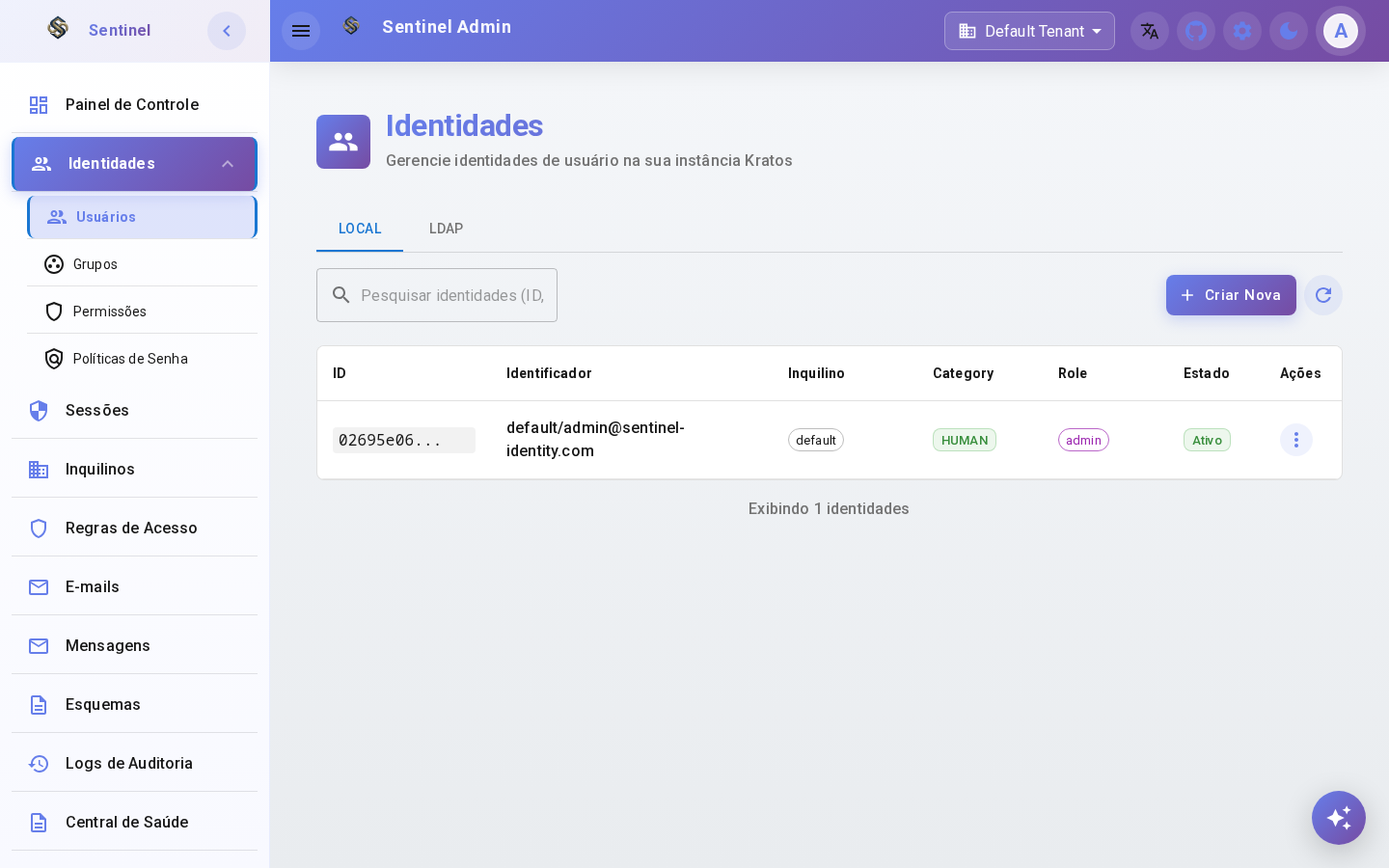
Step 2: Click the "Create" button to open the registration form.
Open the user creation form to register a new identity in the system with the required attributes.
3
Fill User Details
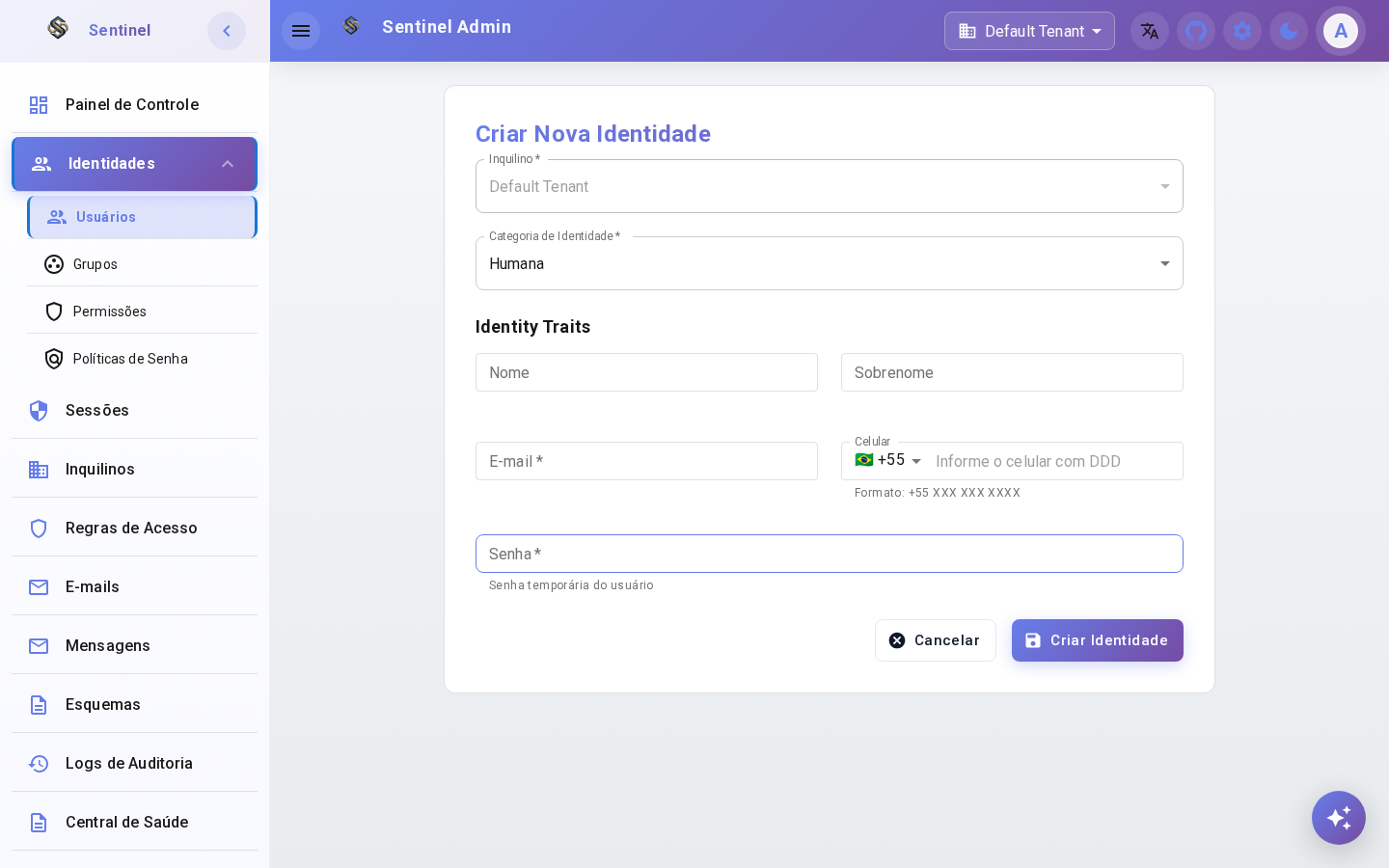
Step 3: Fill in the user's information.
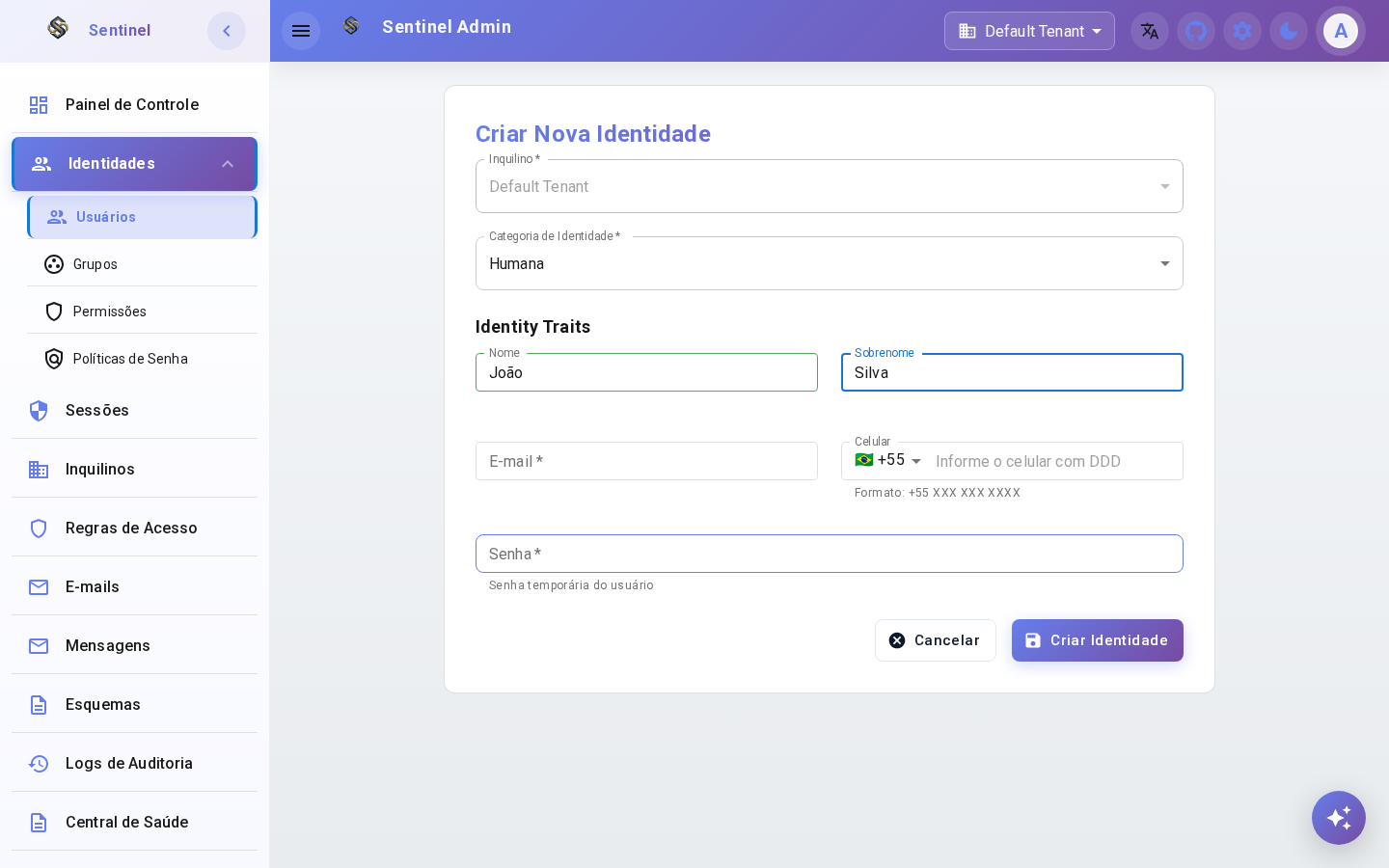
Enter the user's email, first name, last name and any other required fields defined in the identity schema.
4
Edit User
Step 4: Click on a user or the edit icon to open the detail view.
View and update the user's profile, reset their password, manage sessions or change their account status.