OAuth2 Client Registration
Access Requirements
Application
Sentinel Admin Console
Required Permission
Administrator
Base Navigation
"Side Menu > OAuth2 Clients"
1
Registered Clients
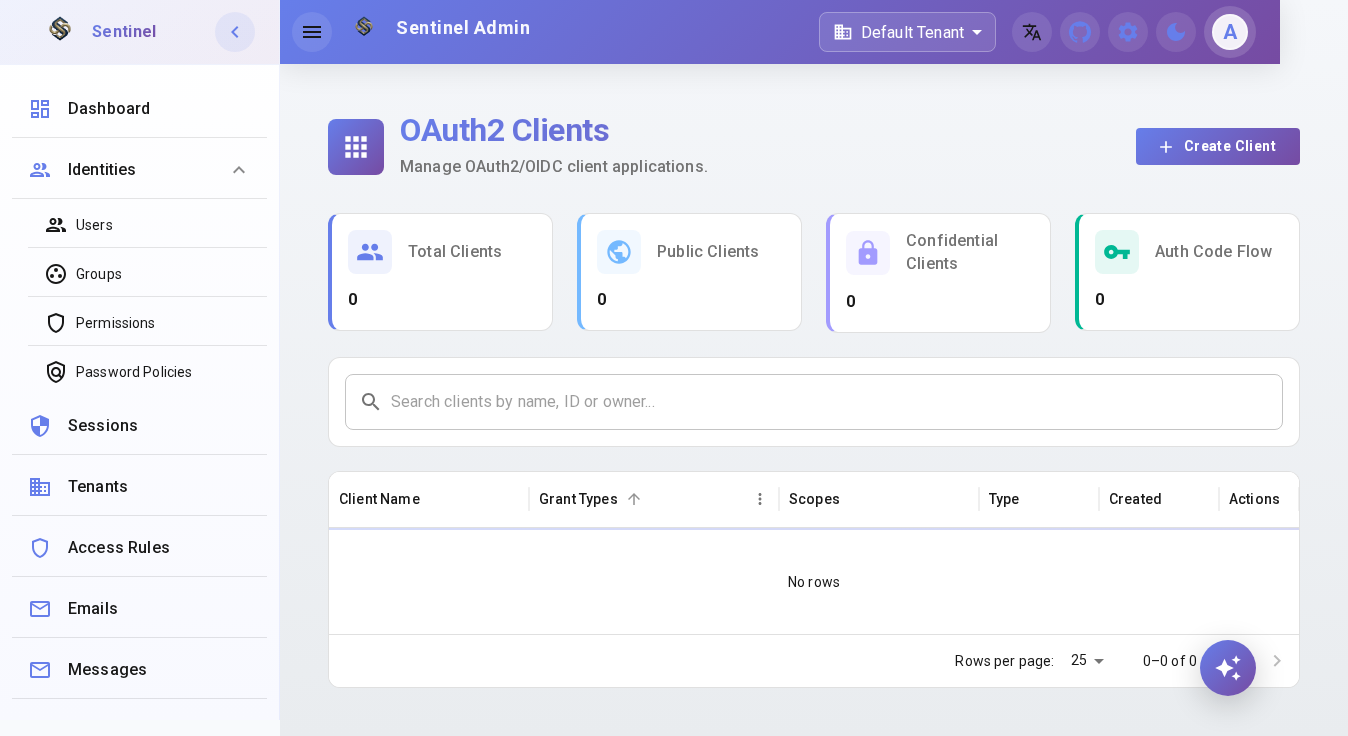
Step 1: Access the OAuth2 Clients section from the side menu.
View all registered OAuth2/OIDC client applications. Each client represents an authorized application able to request access tokens.
2
Register New Client
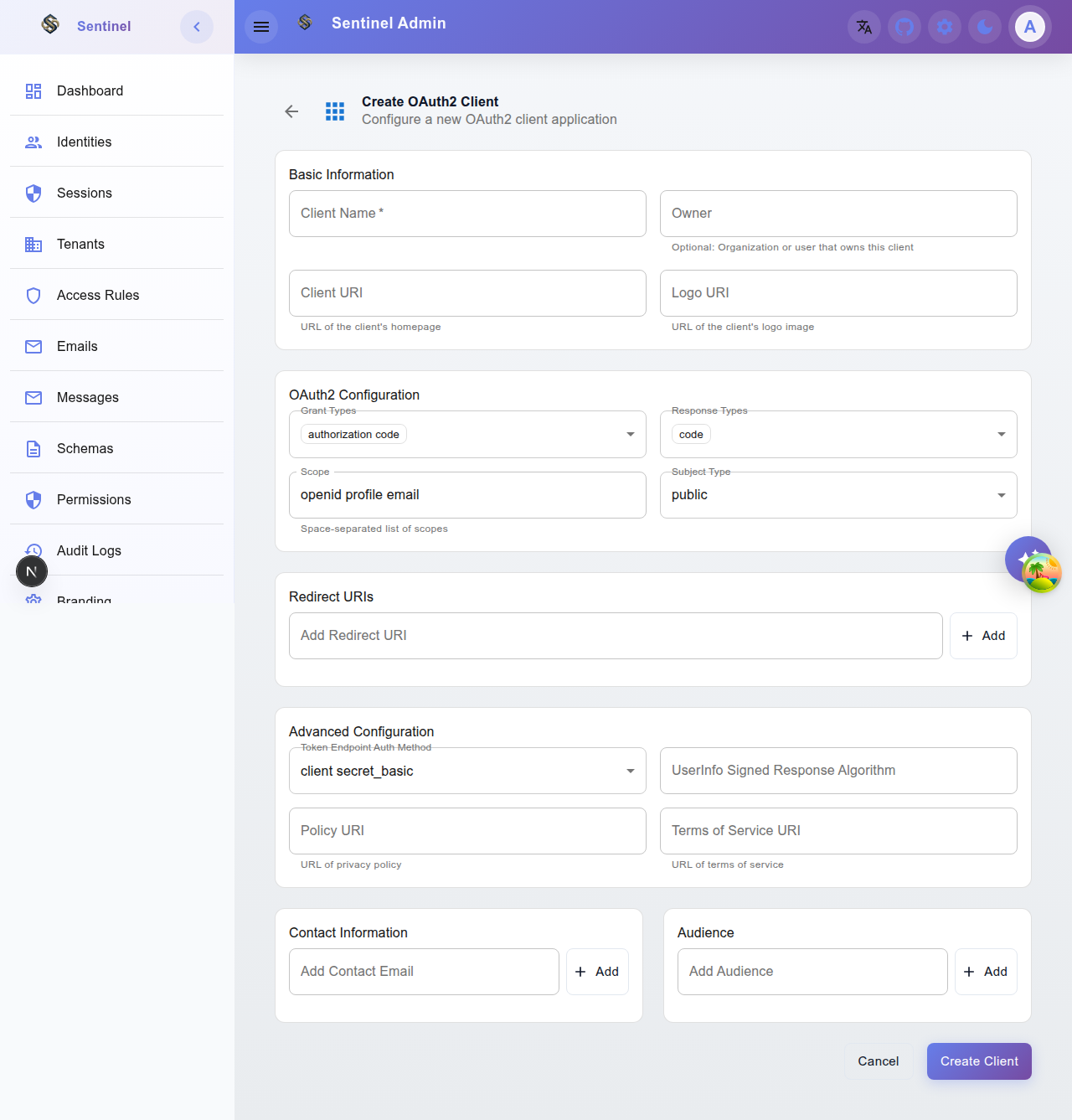
Step 2: Click "New Client" to start the registration.
Fill in the name, redirect URIs, scopes, and grant type. The Client ID and Secret are auto-generated after registration.